Sign, track, and store contracts right in SharePoint
Signeasy’s eSign integration lets you send contracts for signature, track their status, and automatically store completed contracts in SharePoint, all without switching between apps.



Trusted by 48,000+ businesses, including


Everything your team needs to sign contracts in SharePoint
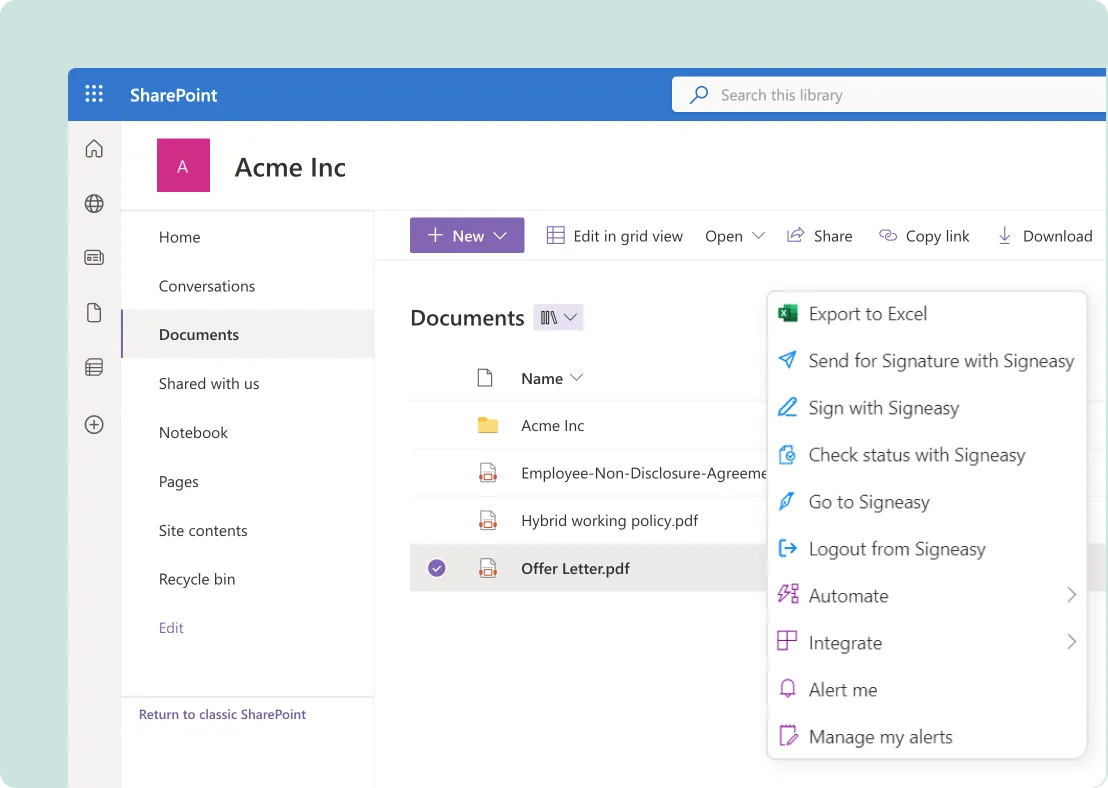
Start an eSignature request right from your SharePoint sites. Signeasy opens inline, so it feels like you never left, and keeps every signed document, audit trail, and attachment in one folder.

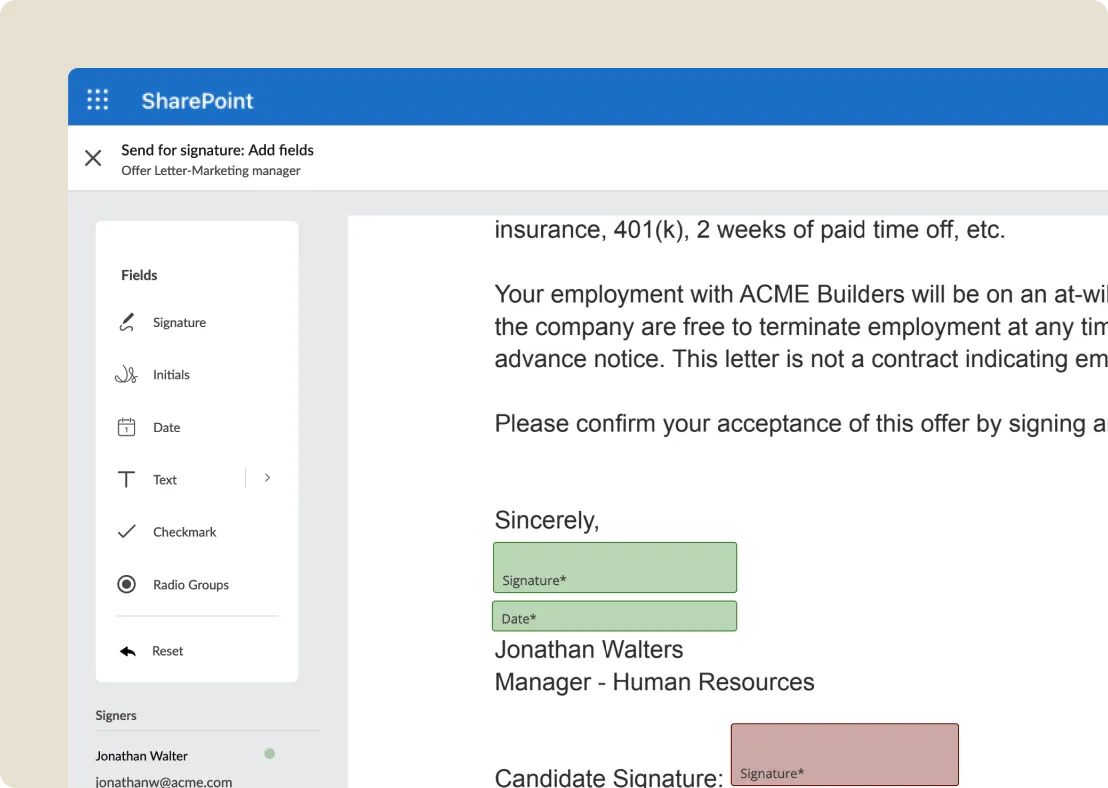
Send for signature without leaving SharePoint
Send documents, templates, and envelopes for eSignature straight from your SharePoint sites, with no app switching.

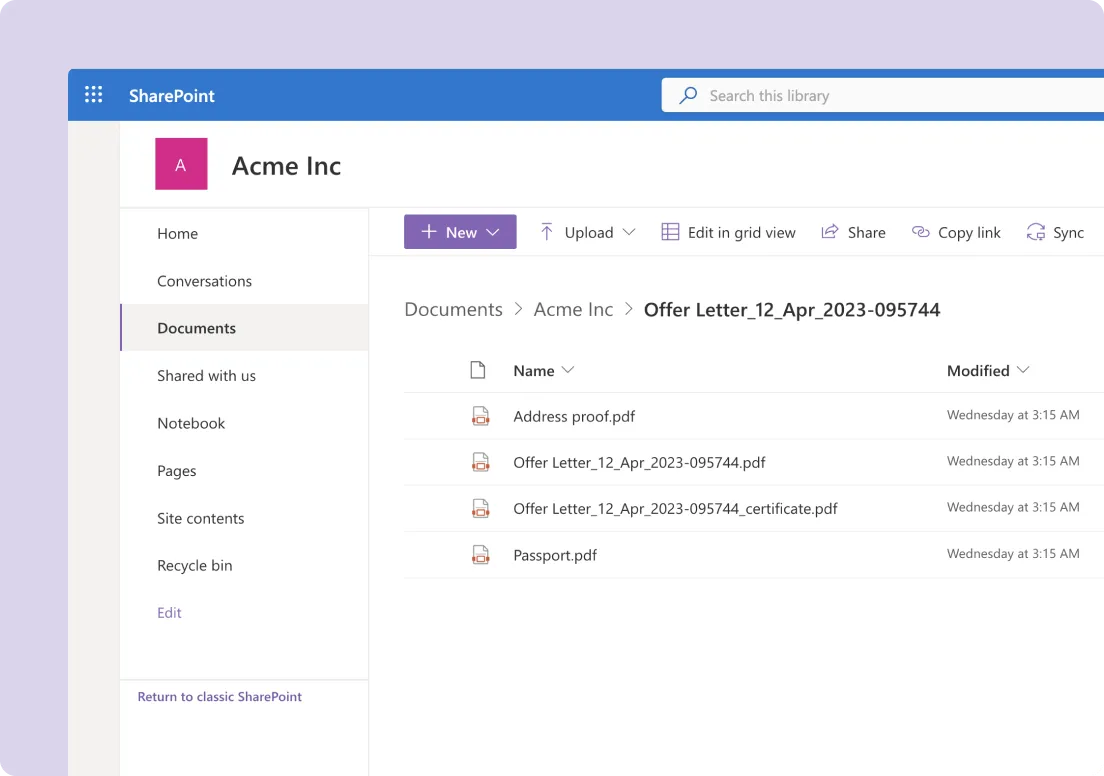
Keep every signed contract in one folder
Signed documents and audit certificates land in one Signeasy folder, with a subfolder for each. Combine a document and its certificate into one file.

Know where every envelope stands
Use Check status with Signeasy to see the latest status of selected documents. We notify you when all signers have finished.

Protect your original files
Signeasy preserves the unsigned original and stores the signed copy separately. Move signed files whenever you need to.

Make signing easy for everyone
Signers don’t need a Signeasy account. They verify by email and sign with no extra redirects.

Reduce errors with templates, roles, and fields
Reuse frequent documents as templates, assign roles, add fields, and request attachments to collect accurate data.

Work with the files you already have
Supports PDF, Word, Excel, Text, Pages, JPG, PNG, and more.

Stay secure and compliant
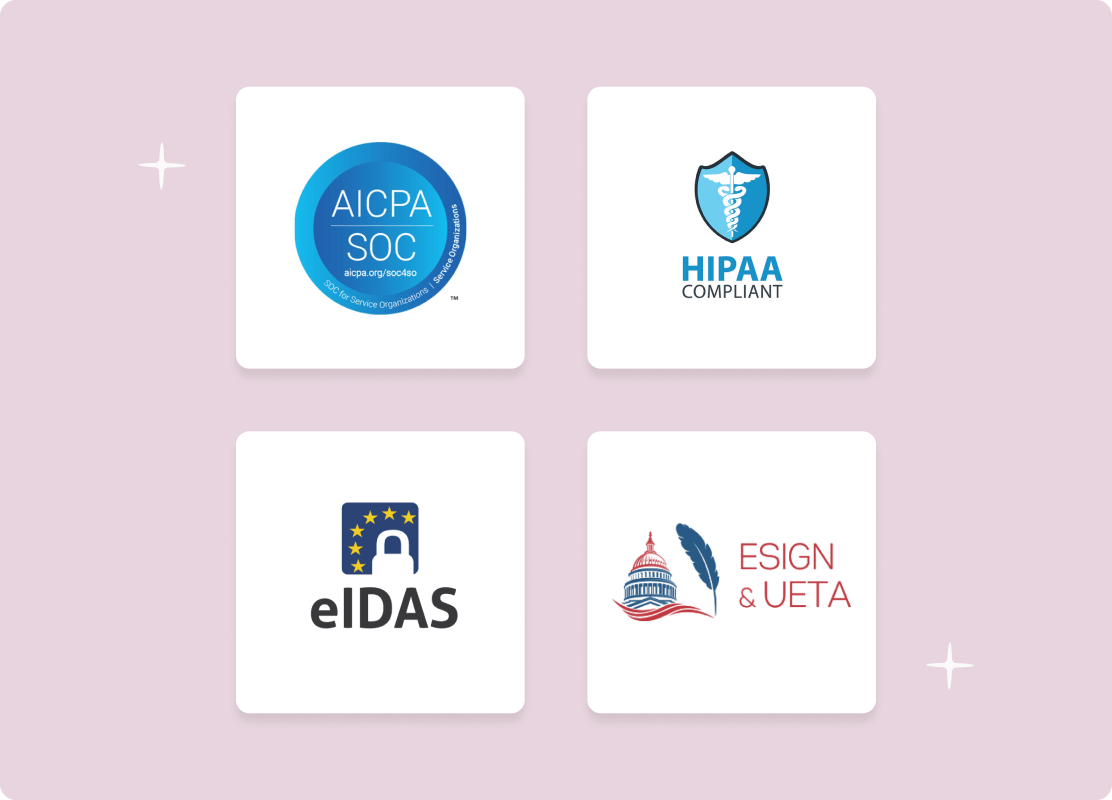
Legally binding eSignatures that comply with HIPAA, SOC 2, 21 CFR Part 11, ESIGN, UETA, and eIDAS, with a secure audit trail in your SharePoint site.
Included in the Signeasy Business Pro plan
 No hidden costsYour SharePoint templates migrated freeUnlimited Documents
How to install the Signeasy add-in on SharePoint
Signeasy’s electronic signature SharePoint integration adds legally binding signing to your SharePoint sites. Here’s how to get it running.
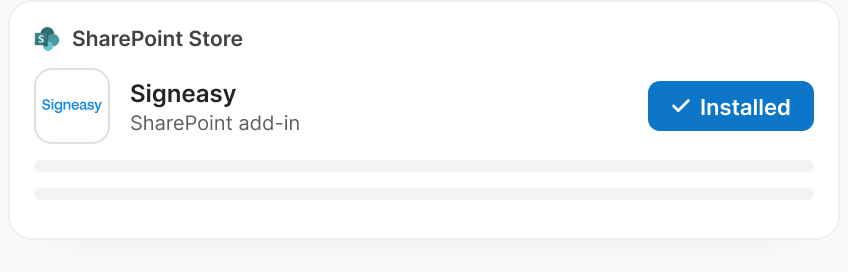
Install the add-in
Go to the Microsoft SharePoint app store and click Install on Signeasy.
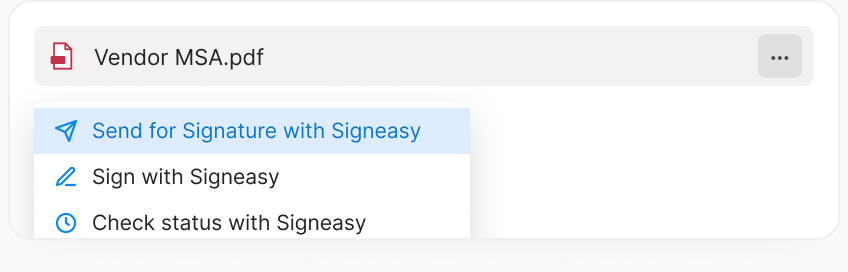
Send for signature
Select a document in your library, click the three-dot menu, and choose Send for Signature with Signeasy.
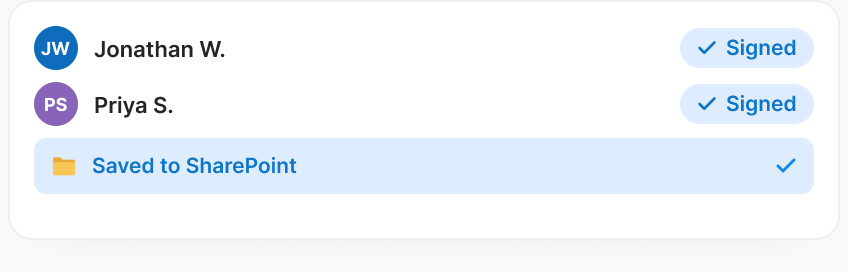
Track and store
Choose Check status with Signeasy to track it. Signeasy automatically stores signed contracts back in SharePoint.

Empower your teams to do more within SharePoint

Accelerate contract signing process

Stay focused with integrated workflows

Easily store and find signed documents
Meet Signeasy for SharePoint
One SharePoint integration to send, sign, track, and store every contract.

Helping businesses manage contracts better

"We built embedded signing without compromising our product experience."

Head of Product & Engineering

"Partner onboarding went from days to minutes with Signeasy."

Co Founder

"Our global teams now get signatures in minutes, from anywhere."

Internal Solutions Manager
"Global teams collaborate effortlessly, leading to faster approvals."

Group ICT Administrator

"Signeasy is user-friendly and has streamlined key HR tasks like salary updates and terminations."

HR Coordinator
Skip the back-and-forth
Get the same eSign integration in the tools you already use.



Google Workspace
Create, sign, collaborate, and store contracts seamlessly in Gmail, Docs, Sheets, and Drive using Signeasy.

Microsoft Outlook
Improve contract turnaround times by sending and signing email attachments without leaving Microsoft Outlook.

HubSpot
Effortlessly eSign, send, and manage contracts in HubSpot with Signeasy.

Microsoft Teams
Send contracts for signature, sign, and get status updates without leaving your Microsoft Teams chats and channels.
Your contracts, signed and filed in SharePoint
Join 48,000+ businesses that sign with Signeasy. Rated 4.7/5 on G2 and Capterra.
